Show buyers what the home could be.
Stage empty rooms, clear out clutter, and turn daytime exteriors into twilight, right from your photo gallery. Every edit is saved as a new photo next to the original, ready to download and share.
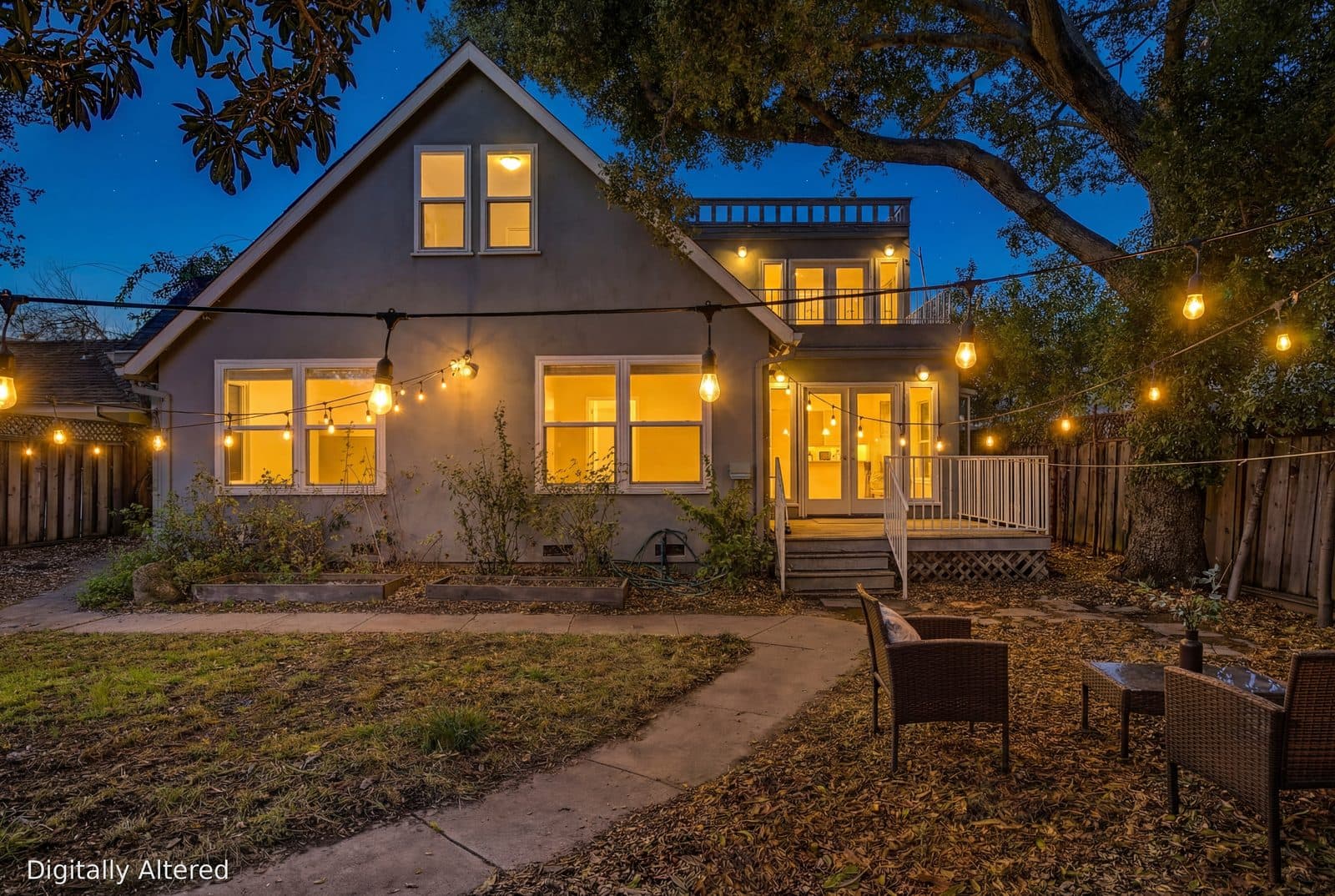
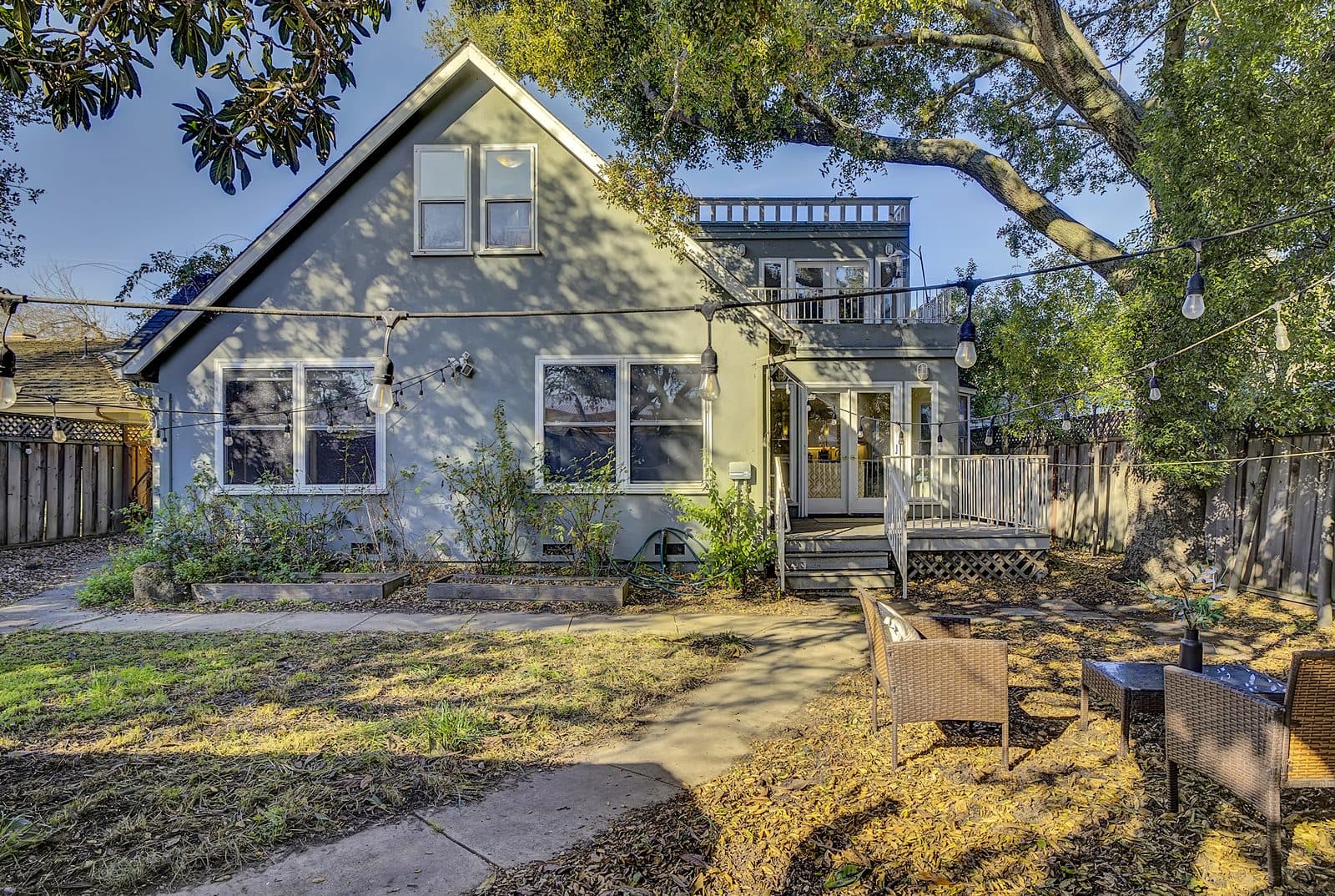
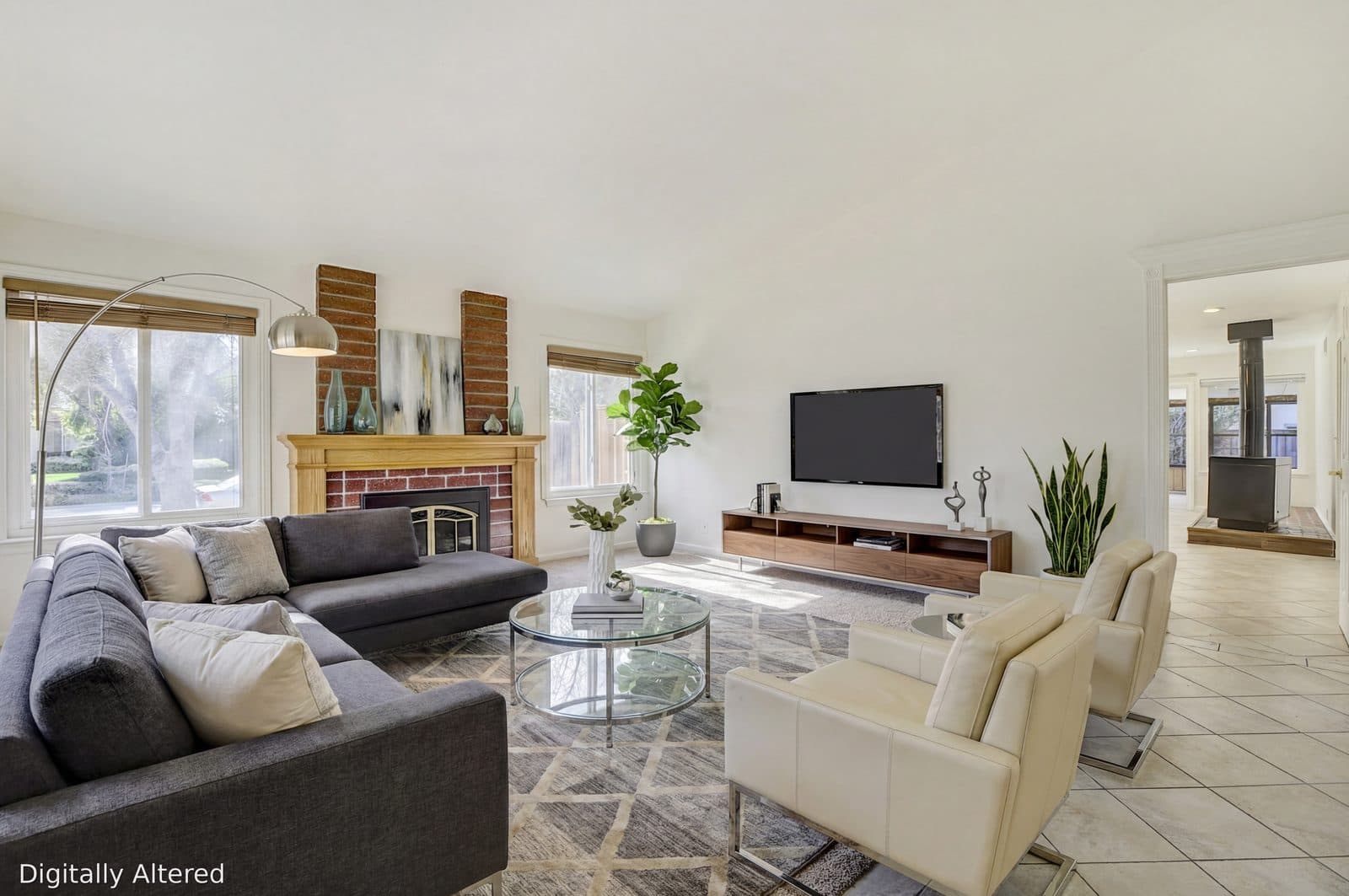
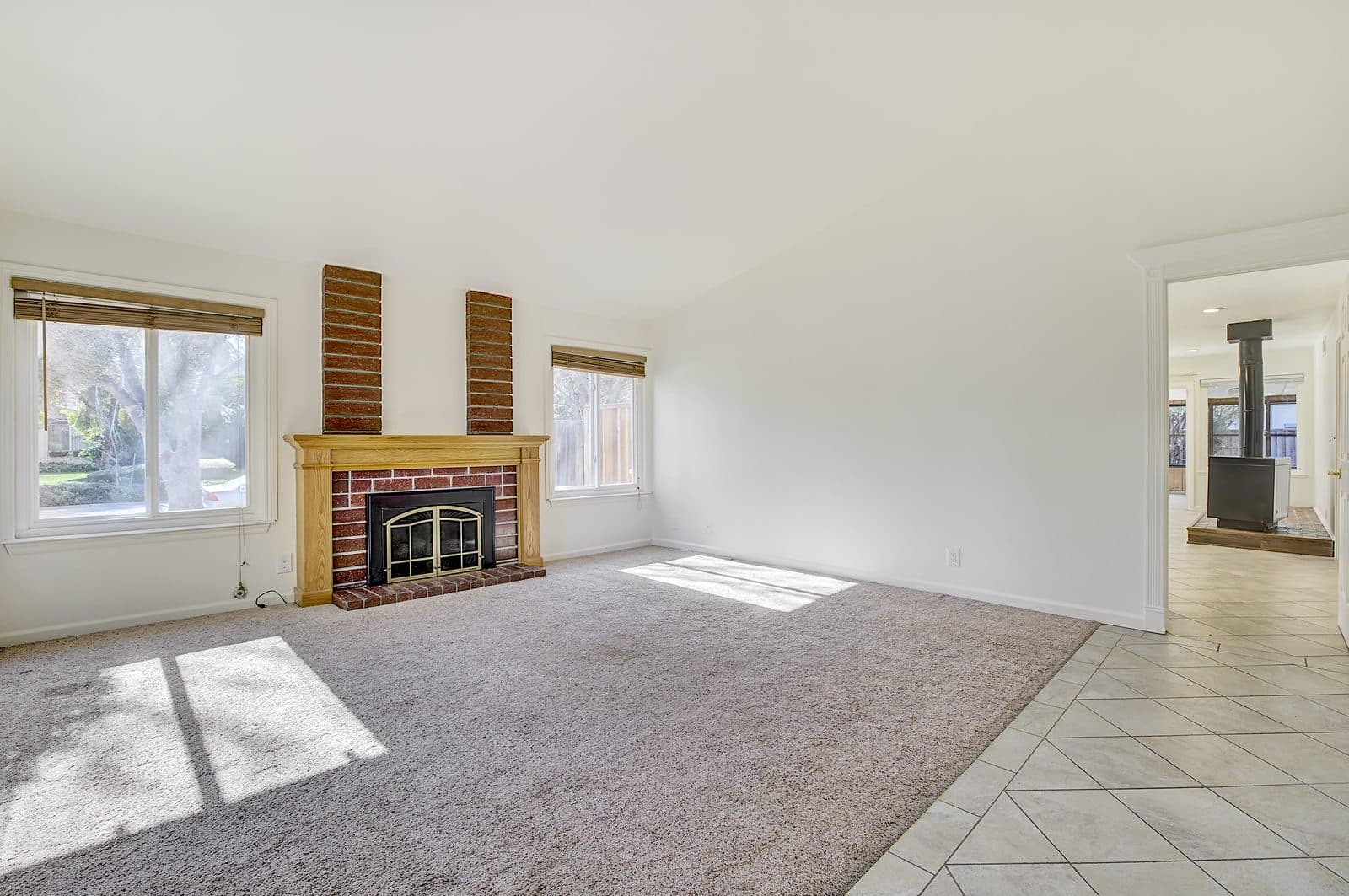
Drag to compare. Real results from XLRE client listings.
Furnish an empty room in a few clicks.
Empty rooms are hard to picture. Choose the room and a design style, and get a photorealistic staged version that keeps the real walls, windows, and doors.
- Generate as many variations as you like and keep your favorite
- Drag a slider to compare every version with the original
- Architecture stays true: walls, windows, and doors are preserved
Clear the clutter, or the whole room.
Personal items and dated furniture distract buyers. Remove just the pieces you choose, or empty the room completely so it is ready to stage.
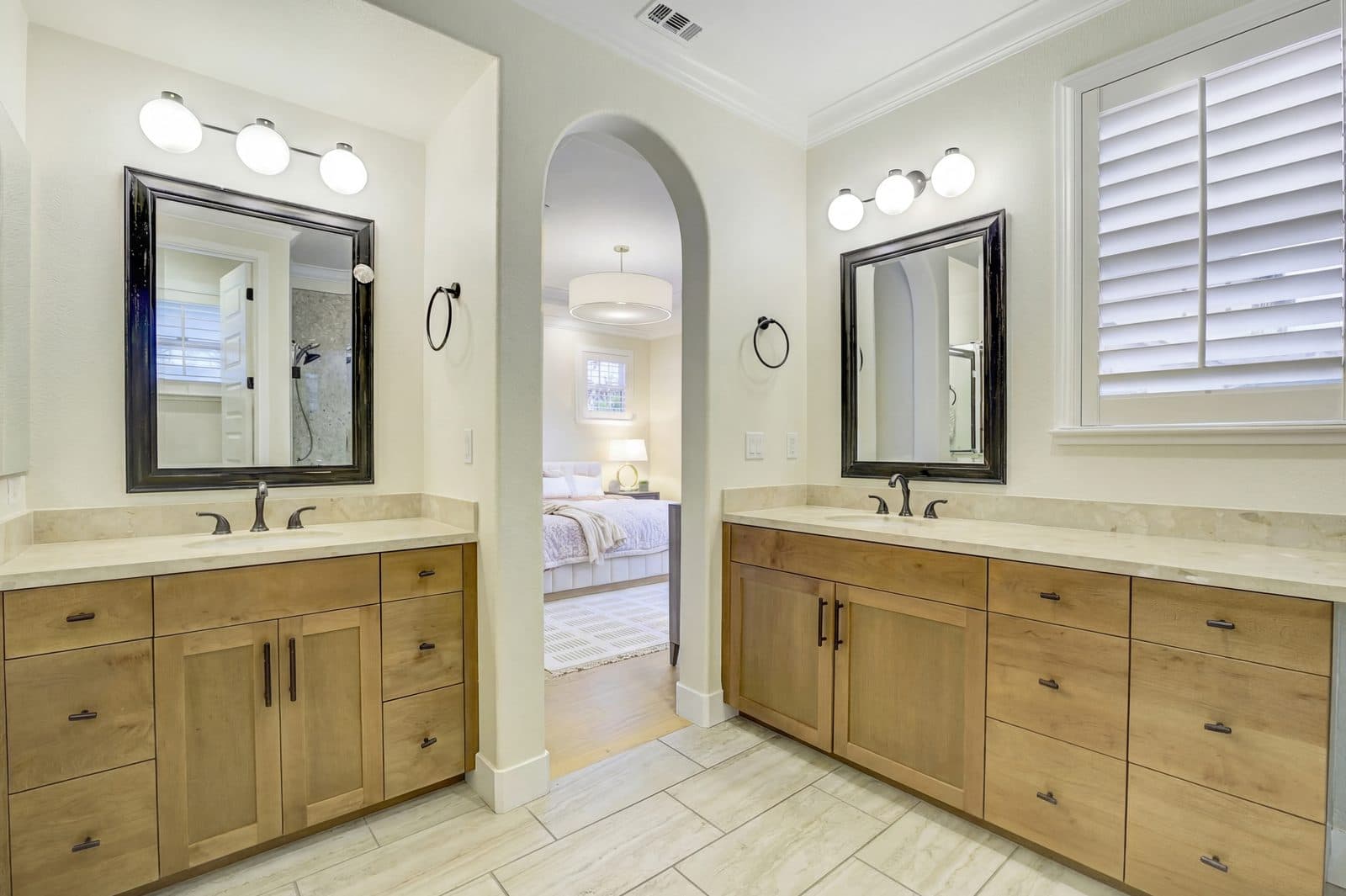
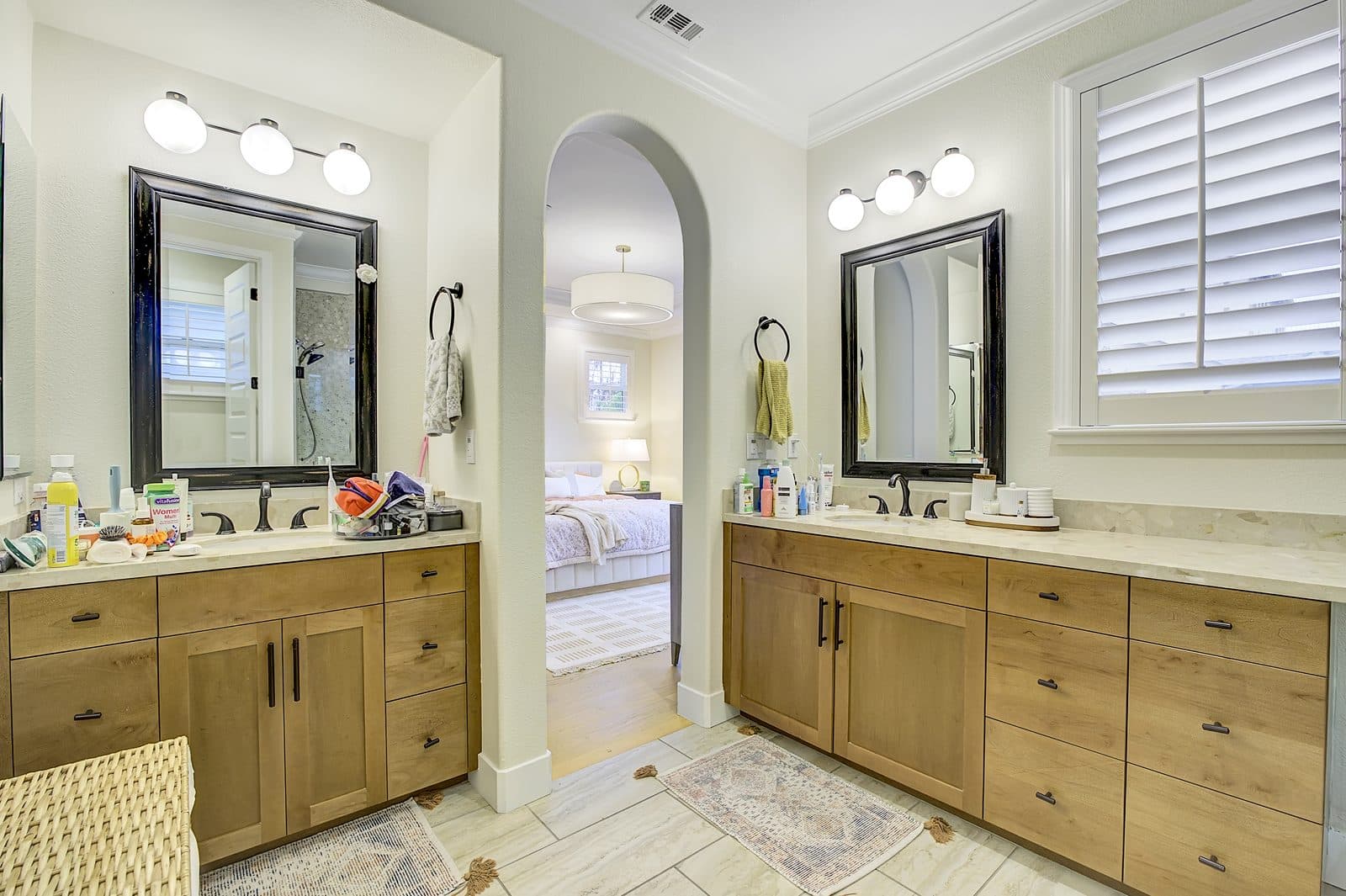
Remove the clutter
Spot Removal scans the photo and lists what it finds. Tick the items you want gone, such as toiletries, towels, or cords, and remove only those.
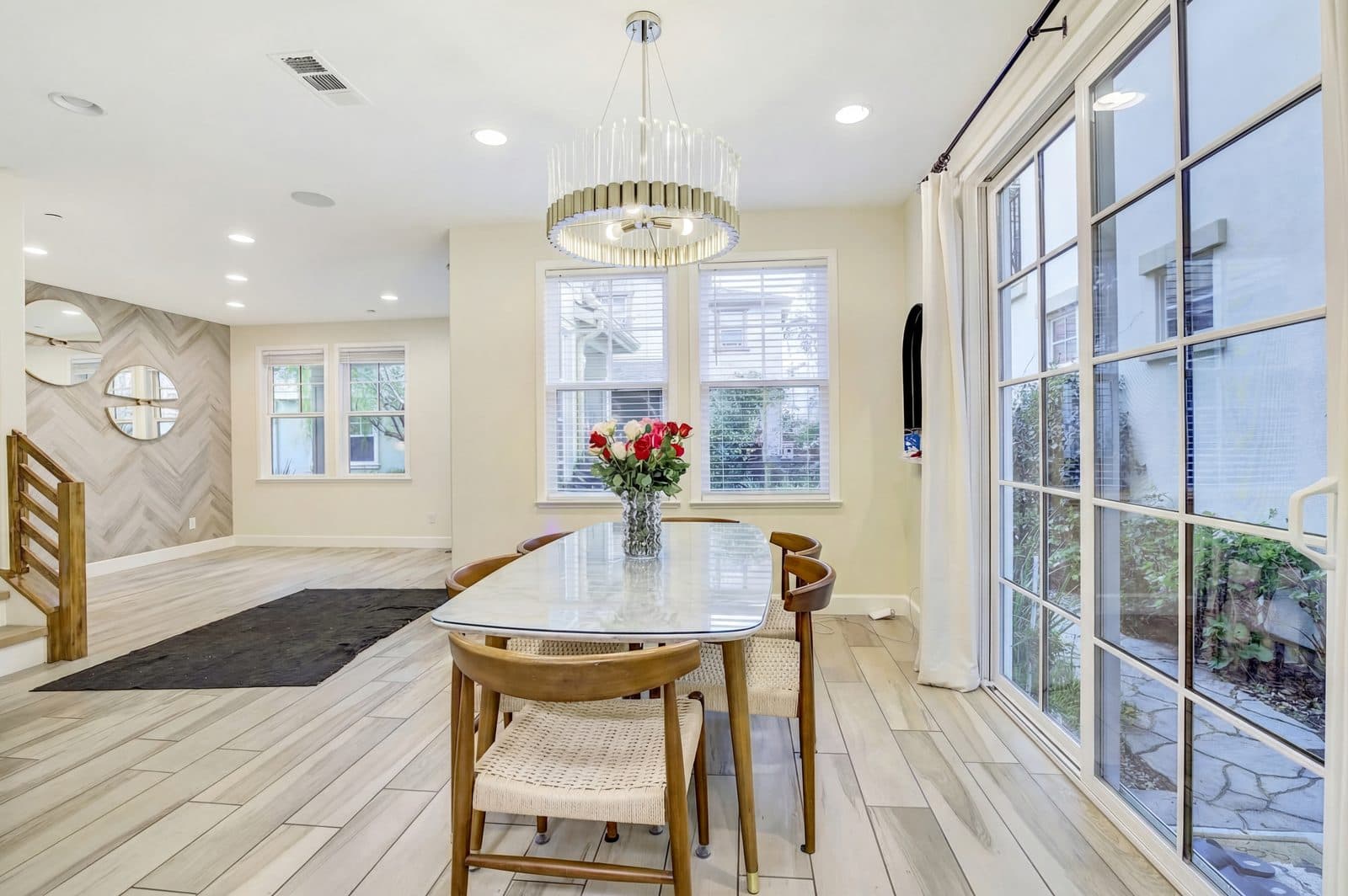
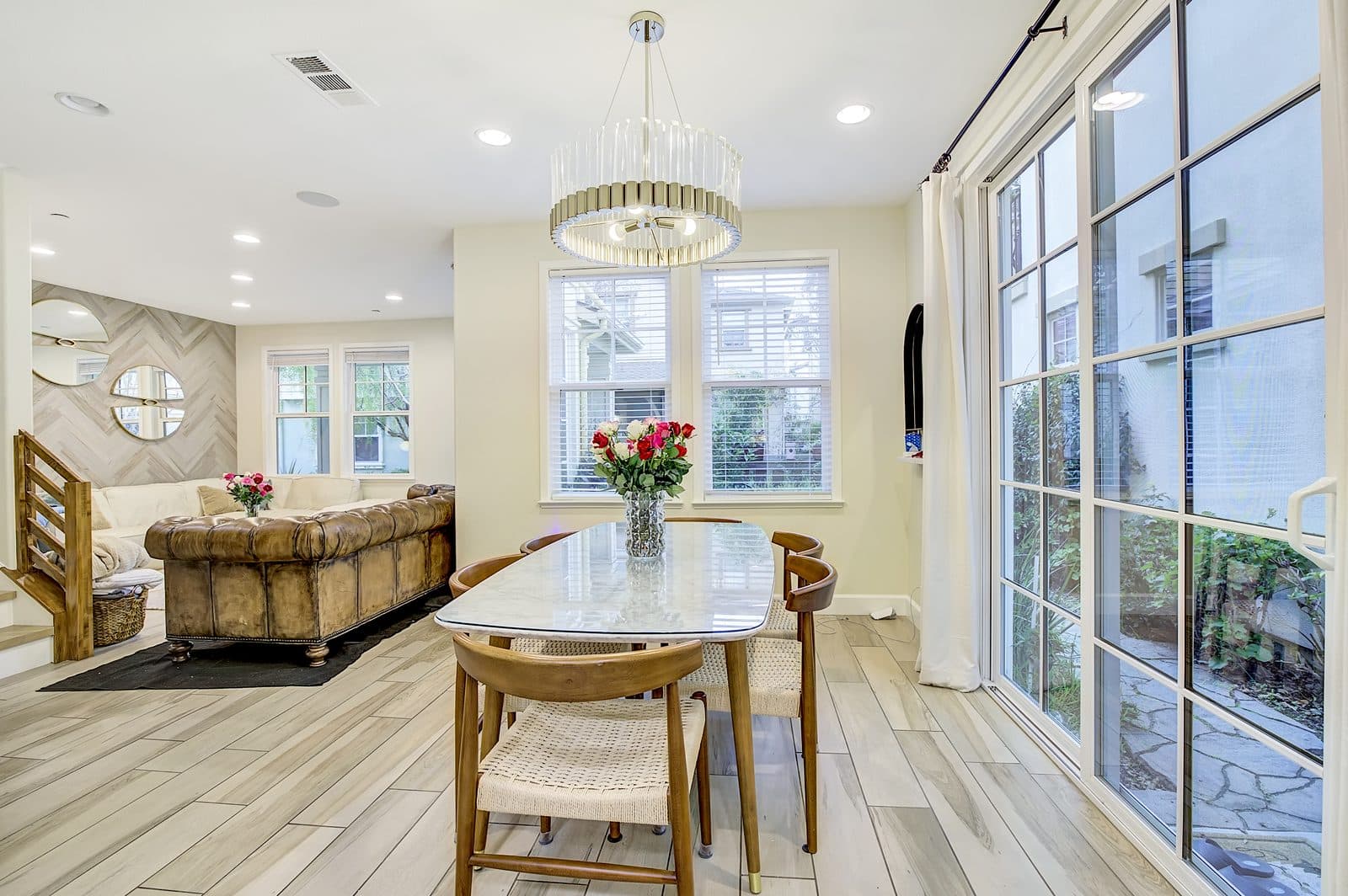
Remove the furniture you choose
Take out just the pieces that crowd the room, like an oversized sofa, and keep the rest. Here both sofas were removed and the dining set stayed.
Want the room completely empty? De-furnish Room removes every piece of furniture in one click, giving you a blank canvas for virtual staging.
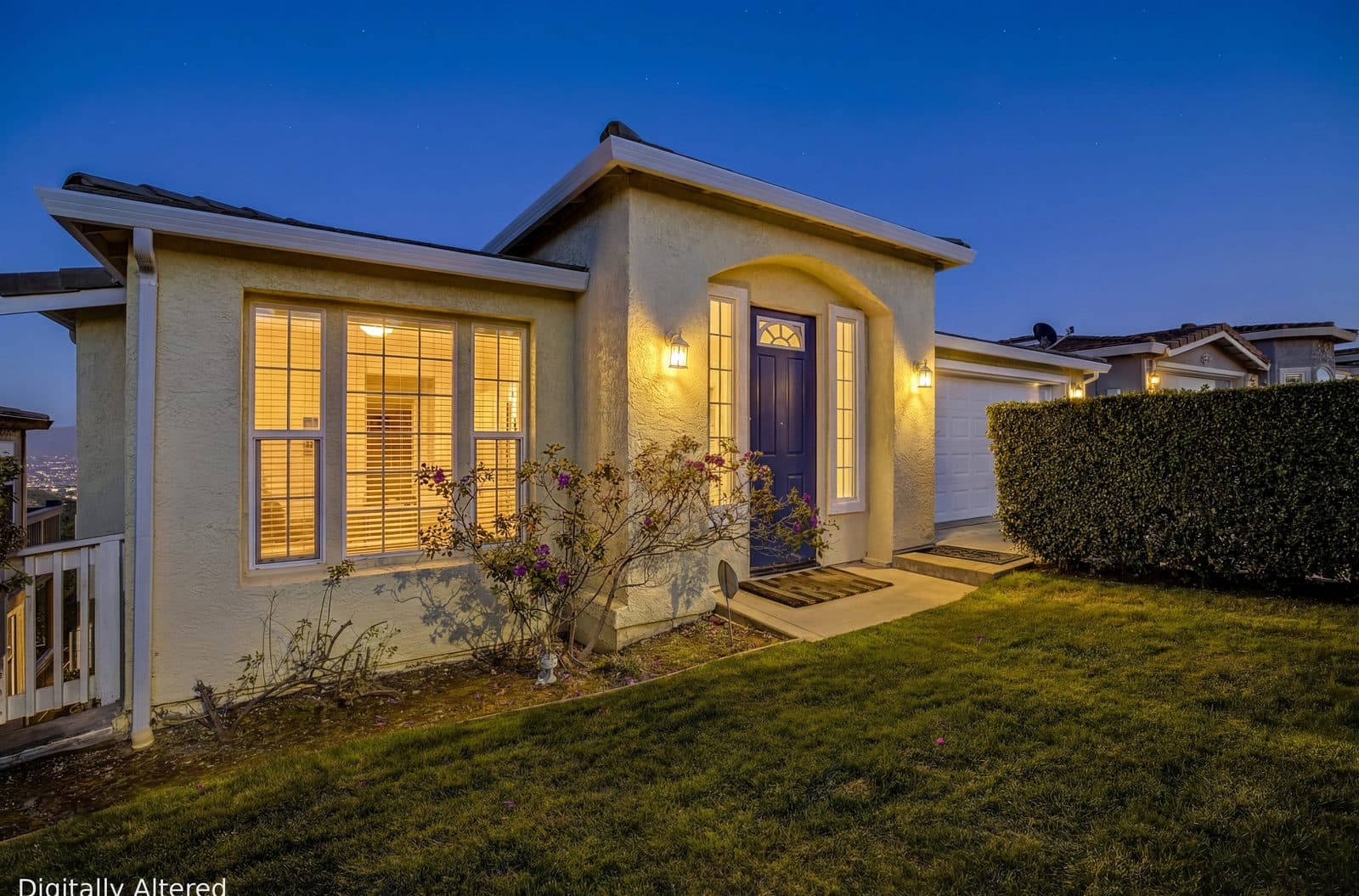
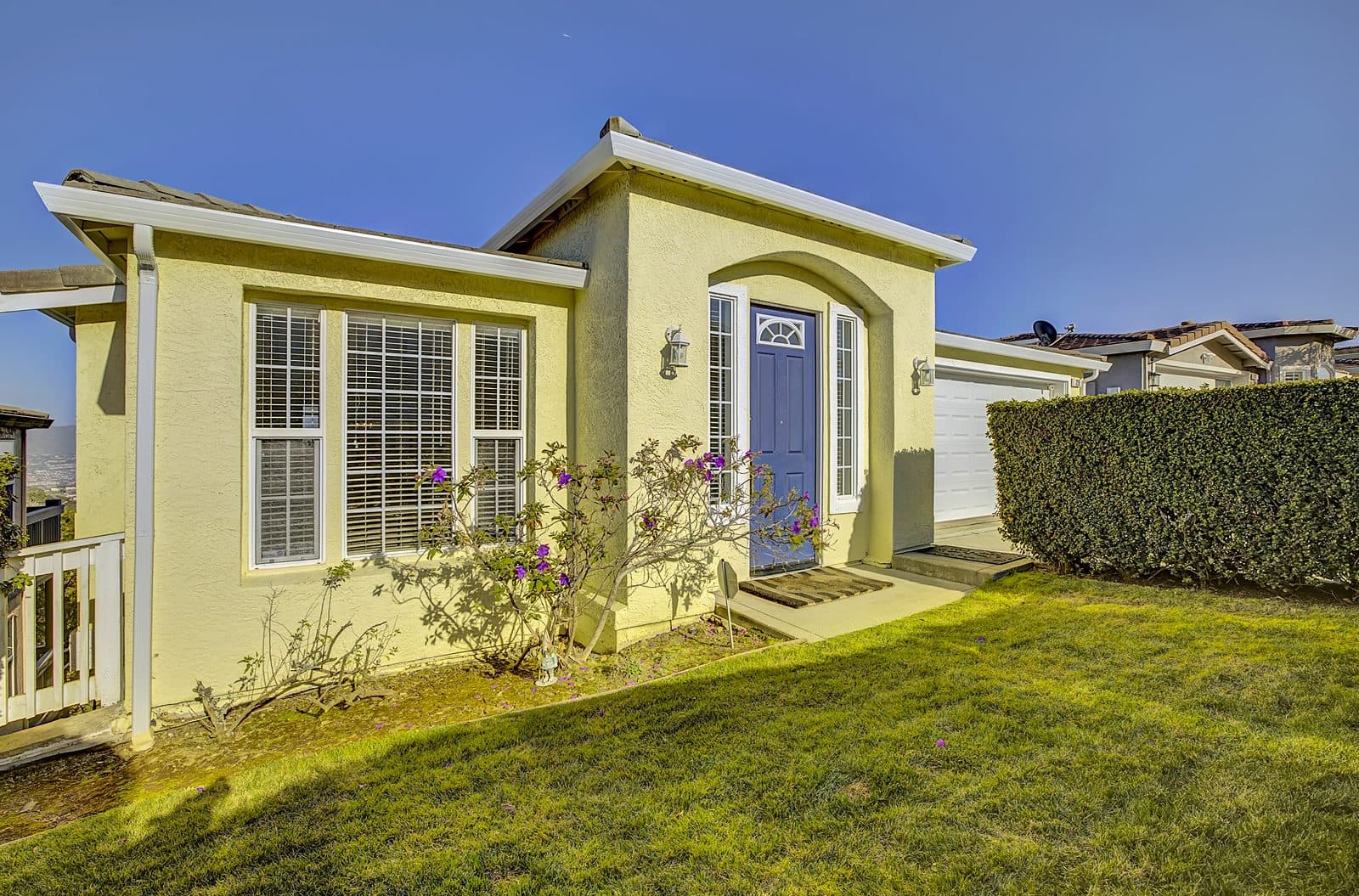
Golden-hour curb appeal, any time of day.
Twilight exteriors stop the scroll, but scheduling a dusk shoot is hard. Turn any daytime exterior into a glowing evening shot with the lights on.
- One click from daytime to dusk
- Warm interior lights and a soft sunset sky
- Not quite right? Regenerate for another take
Three tools, right in your gallery.
Open a photo. Pick a tool. Save.
Built into your gallery
Open any delivered photo and the AI tools are right beside it. Nothing to install or upload.
Your original stays safe
Every edit is saved as a new photo next to the original, so you can always go back.
MLS-friendly disclosure
Add a “Digitally Altered” watermark with one toggle. It is on by default for virtual staging.
Ready everywhere
Saved photos download like any other high-resolution photo, ready for your listing and marketing.
Every Showcase and Premium package comes with the full AI Suite for that listing.
Add it when you book, or unlock it later from your gallery in one click. One-time, not a subscription.
Questions
How much does the AI Suite cost?+
It is included with Showcase and Premium packages. With an Essentials package, add it for $25 per listing, either when you book or later from your gallery. It is a one-time purchase, not a subscription.
Does it replace my original photos?+
No. Every edit is saved as a new photo alongside the original, so your untouched photos are always available.
Is virtual staging allowed on the MLS?+
Most MLSs allow virtually staged photos when they are disclosed. The AI Suite can add a “Digitally Altered” watermark, which is on by default for staging. Check your local MLS rules before publishing.
How many staging versions can I make?+
Generate as many variations of a room as you like and save your favorite. Each listing includes a generous number of staging sessions.
Which rooms and styles are available?+
Living rooms, bedrooms, kitchens, bathrooms, dining rooms, and offices, in Modern, Scandinavian, Mid-Century, or Farmhouse style.
Sell the potential, not just the photo.
Included with Showcase and Premium packages, or add it to any Essentials shoot for $25.